The fixed asset register your business will rely on.
Just FAR computes SLM and WDV depreciation year by year, handles capital additions, mid-life adoption and disposals, and exports audit-ready Schedule III reports — all from a single portable file for your business.
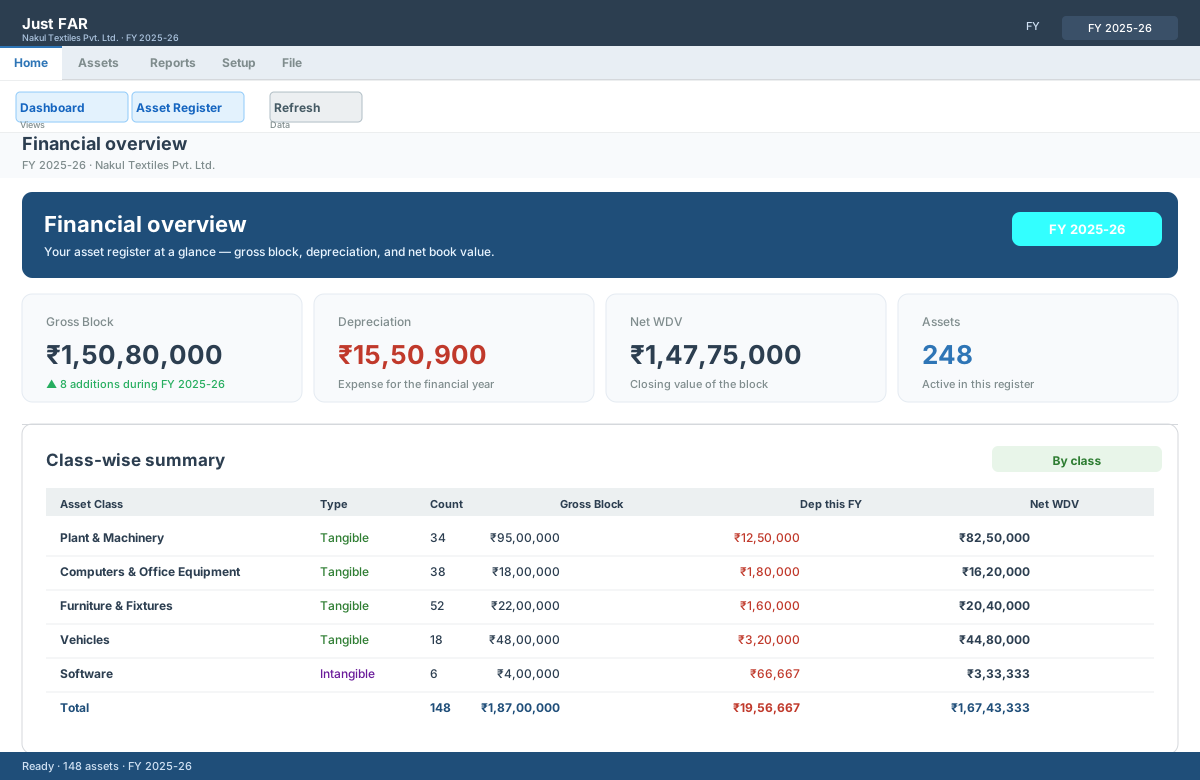
Spreadsheets are fine — until you need an audit-ready answer.
If you keep the FAR in Excel, you already know the pain. Just FAR removes it without asking you to change how you work.
Depreciation by hand
Day-wise pro-rata in acquisition, addition and disposal years is fiddly and easy to get wrong. One missed date and the whole block is off.
Schedule III headaches
Building the gross-block / accumulated-depreciation / net-block reconciliation for every class every year is a chore — and it only grows as your asset base grows.
Errors that spread
Every workbook has its own formulas and copies. There is no single source of truth, no audit trail, and a typo silently changes the closing WDV.
Everything a modern FAR needs, built in.
A single company file, a depreciation engine you can trust, and reports that drop straight into your filing.
SLM & WDV
Per-asset Straight Line or Written Down Value, driven by useful life or rate.
Day-wise pro-rata
Acquisition, addition and disposal years are prorated to the exact day.
Capital additions
Improvements depreciate from their own date, never lumped into the base.
Mid-life adoption
Open with existing WDV & accumulated depreciation as on a date.
Disposals & P/L
Sale proceeds minus closing WDV gives profit/loss on sale automatically.
Excel import
Bring your existing FAR sheet in; fuzzy column mapping you can override.
Excel exports
FAR schedule, registers, additions, disposals and Schedule III PPE (H, V, item-wise).
Audit trail
Every change in every file is logged — who, what, when.
See depreciation compute, live.
Up and running in four steps.
Get a product key
Register with your email, verify a code, and your key appears immediately — a free 14-day evaluation to start.
Open or create a company file
Your business is a .fardb file. Create a new one and enter the company profile — or open an existing file.
Add assets — or import Excel
Enter assets one by one, or import an existing FAR sheet with auto column mapping.
Pick a financial year & export
Set the FY in the title bar, review the dashboard, then export the FAR schedule, register, or Schedule III PPE to Excel.
Trusted where accuracy matters.
We moved our whole fixed asset register off a stack of Excel workbooks onto Just FAR. The Schedule III reconciliation now exports in a minute instead of an evening.
The day-wise pro-rata for assets bought mid-year is exactly right — it's the bit I always had to explain to our accountant, and now the software just does it.
Our register is branded with our own company name, right there in the app. Activation took a minute and it's been offline ever since.
Bring your fixed assets into line.
Download the self-contained executable, open a sample register, and see the schedule compute in seconds.